

Tickets
Ticket Portal
Please login or create an account to access the Customer Support Portal
Not registered? Create an Account
Forgot your password? Reset Password
Submitting a Request
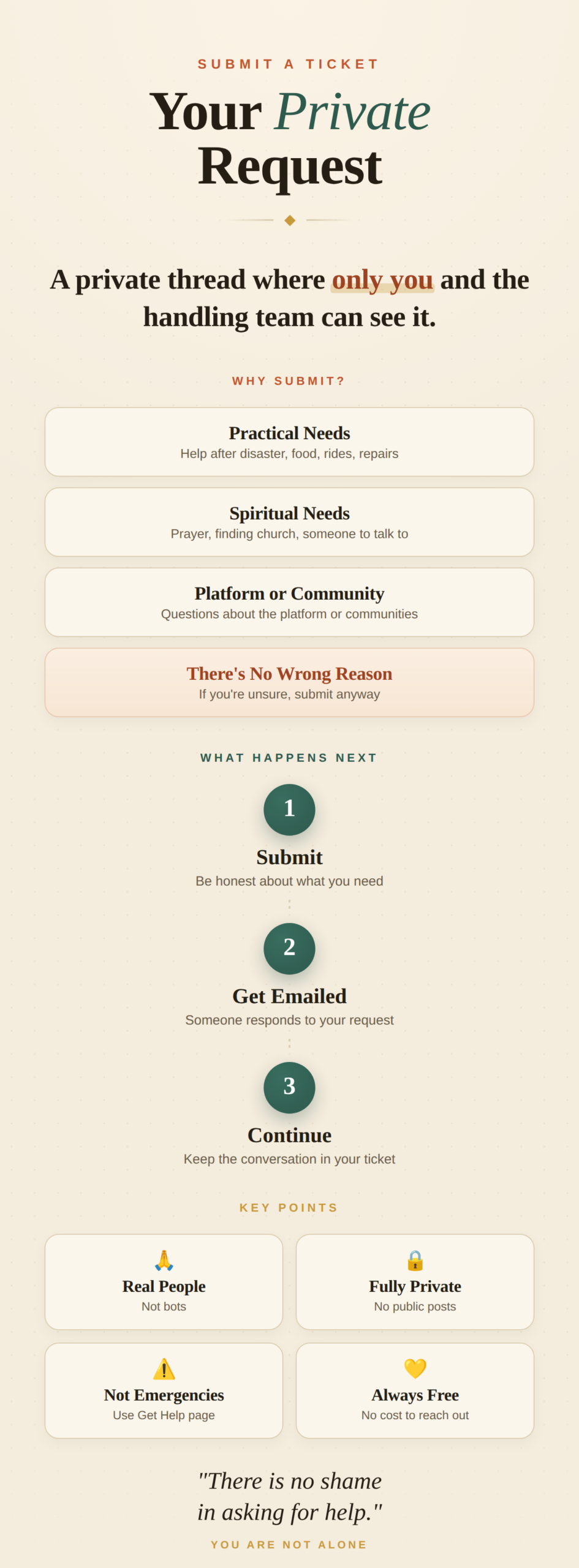
Use the form to let us know what you need. Whether it’s a prayer request, help after a storm, or a household need, just be honest about what’s going on.
Checking for Replies
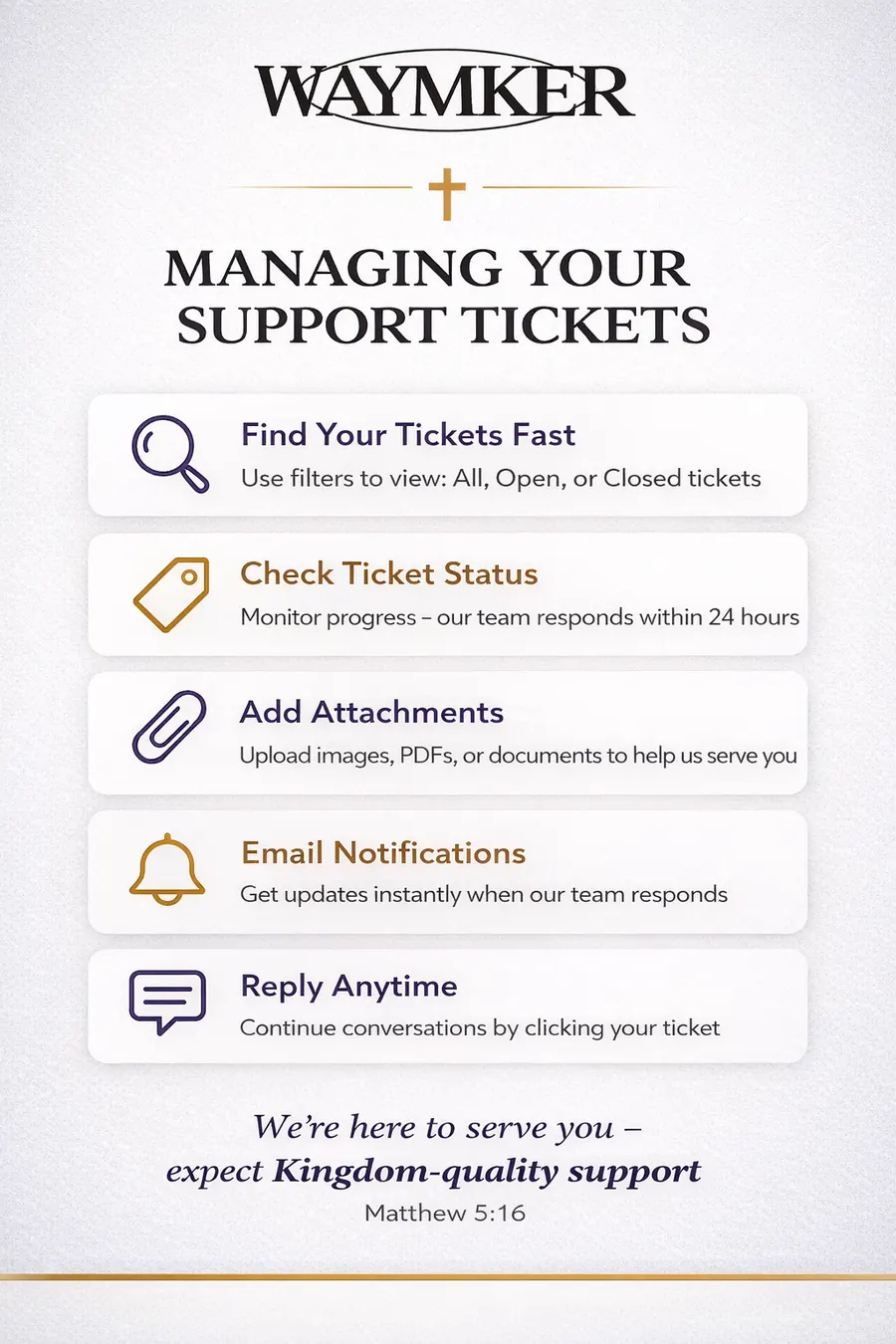
You’ll get an email when someone responds. Come back here, open your ticket, and the conversation continues right inside the private thread.
There’s no wrong reason
Whether it’s a serious need or you just don’t know where to turn, this is the place. We’d rather you reach out than go without.
Real People, Not Bots
Real community members read these. We’ll get back to you—it just may not be instant. Urgent emergencies should use the Get Help page.
Open a Ticket
Frequently Asked Questions
Do I have to be a member to submit a ticket? You’ll need an account to use the ticket portal, but creating one is free and only takes a minute. This helps us know who we’re talking to and keeps your requests private and organized in one place.
What kinds of needs can I bring here? Honestly, almost anything. Practical needs like help after a disaster, transportation, food, or household repairs. Spiritual needs like prayer, finding a church, or someone to talk to. Questions about the platform itself. If you’re unsure whether it belongs here, submit it anyway and we’ll point you in the right direction.
Will anyone from the public see what I submitted? No. Your ticket is private. It is only visible to you and the team members handling it. This is not a public forum or a social post.
What if I need help right now and can’t wait? The ticket system is not the right tool for an emergency. If you or someone you know is in immediate danger, contact emergency services first. For urgent community needs, visit our Get Help page which is set up for faster response.
Can I submit a ticket on behalf of someone else? Yes. If someone in your church or neighborhood needs help but doesn’t have access or isn’t sure how to use the platform, you can submit on their behalf. Just let us know in the message that you’re reaching out for someone else and include their situation.
What if I submitted something and realized I left something out? Just open the ticket and add a reply with the extra information. You don’t need to submit a new one. We’ll see it and factor it into your request.
How will I know someone is working on it? You’ll get an email when your ticket is received and again when someone replies. You can also log in here anytime and check the status. If it says Open or In Progress, it’s on someone’s radar.
Can I have more than one ticket open at a time? Absolutely. If you have multiple different needs going on, submit a separate ticket for each one. It helps us make sure each thing gets the attention it deserves without things getting tangled together.
What if my need is outside of your area or what Waymker covers? We’ll still do our best to point you somewhere useful. Part of what we do is connect people with the right resources, even if that means directing you to a local ministry, organization, or church that’s better positioned to help.
Is there a cost for getting help through this portal? No. This is a free service. Waymker exists to serve the body of Christ and the communities around us. You don’t owe anything for reaching out.graphs that capture the essence of different eras and cultures, reflecting the unique styles and perspectives of each artist.